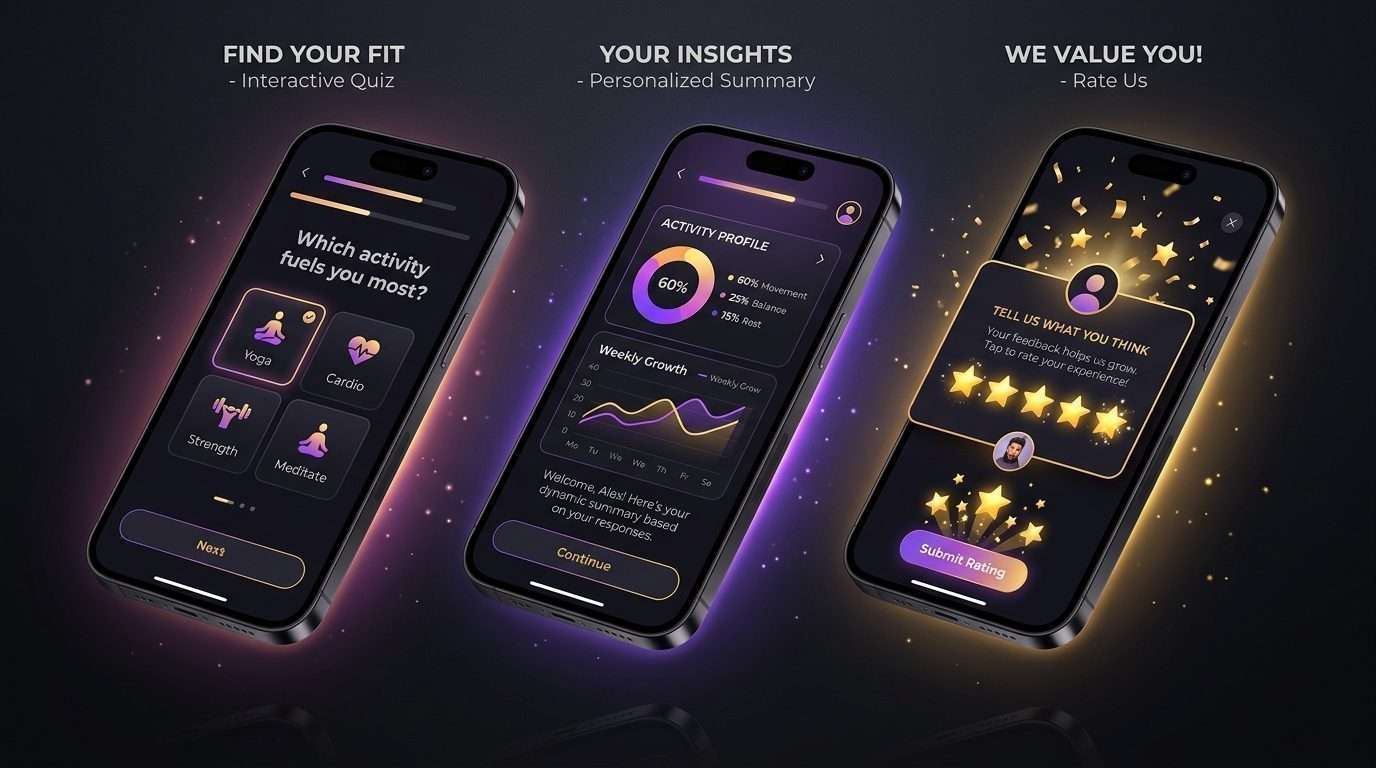
Chapter 9: The App Store Approval Playbook — Beating Guideline 4.2 & Rejections
There is nothing more demoralizing for an indie developer than spending a week building an app, submitting it for review, and waking up to an immediate rejection notification from Apple:
“Guideline 4.2 – Design – Minimum Functionality: Your app provides a limited user experience and is not sufficiently rich to be on the App Store.”
Or the equally dreaded:
“Guideline 3.1.2 – Business – Payments – Subscriptions: Your paywall does not adequately disclose subscription terms, auto-renewal mechanisms, or functional purchase restoration.”
Navigating the App Store review process is not a matter of luck; it is a rule-based compliance checklist.
By understanding the exact criteria Apple and Google human reviewers evaluate, you can guarantee first-time submission approval with zero delays.
🔴 Amateur App Submission
Clumsy web wrapper ➔ No test demo credentials ➔ Hard paywall blocking navigation ➔ Immediate Guideline 4.2 Rejection.
🟢 Compliance-Engineered Submission
Native device sensors + Clear Reviewer Notes + Transparent Trial Disclosures ➔ Approved on First Submission in < 8 Hours.
Deconstructing the 3 Most Common Rejections
1. Guideline 4.2: Minimum Functionality (The “Too Simple” Flag)
Triggered when an app looks like a repackaged mobile website or has fewer than 2 interactive native features.
2. Guideline 3.1.2: In-App Subscription Disclosures
Triggered when the paywall lacks direct links to Terms of Service, Privacy Policy, or a functional “Restore Purchases” button.
3. Guideline 5.1.1: Data Privacy & Privacy Manifests
Triggered when third-party SDKs access device APIs without explicit declarations in PrivacyInfo.xcprivacy.
The 4-Part Defense Against Guideline 4.2 (Minimum Functionality)
If your app is a focused micro-utility or AI wrapper, make sure it includes these four native attributes to pass Guideline 4.2 effortlessly:
- Leverage at Least One Native Device Sensor / API: Even if your core tool is AI-driven, utilize native hardware capabilities: Camera scanner, Haptic feedback engine, Local push notifications, or Lock-screen widgets.
- Provide Rich Local Offline State: Ensure the app does not crash or display an empty white screen when Airplane Mode is active. Show cached data and a friendly offline banner.
- Include an Interactive Setting or History Tab: Never submit a single-screen webview. Provide a clean settings dashboard with theme options, export options, and historical log views.
- Smooth Micro-Animations: Apple reviewers reward apps that look and feel like first-party iOS software. Use native navigation transitions and smooth card springs.
The Foolproof Paywall Compliance Checklist (Guideline 3.1.2)
To prevent any subscription or billing rejections, your paywall screen must explicitly include these five visual elements:
- [ ] A working “Restore Purchases” button: Must be easily tapable and functional.
- [ ] Exact Subscription Terms & Duration: E.g., “3 days free, then $39.99/year. Cancel anytime.”
- [ ] Direct Clickable Link to Terms of Service (EULA): Opens in native in-app Safari webview.
- [ ] Direct Clickable Link to Privacy Policy: Must link to a valid, live privacy URL.
- [ ] A Visible Close / “X” Button: Reviewers will reject hard paywalls that do not allow the user to dismiss or explore basic app settings if a non-subscription tier exists.
The Copy-Paste App Reviewer Notes Template
When you submit your build in App Store Connect, the “App Review Information (Notes)” section is your direct line of communication to the human tester.
Paste this structured briefing note to make their job effortless:
Hello Apple Review Team,

            Thank you for reviewing [App Name]!

            To assist in your testing:
            1. TEST ACCOUNT CREDENTIALS:
               • Email: review-tester@demo.com
               • Password: TestPassword2026!
               (Note: The app also supports frictionless Guest Mode and Apple Sign-In).

            2. CORE FEATURE WORKFLOW:
               • Step 1: Complete the 4-step onboarding survey to generate a customized profile.
               • Step 2: On the main screen, tap [Primary Action Button] to test the instant analysis engine.
               • Step 3: All AI inference endpoints and local database caches are fully operational in the Sandbox test environment.

            3. IN-APP PURCHASES:
               • Subscriptions can be tested using standard Sandbox Apple IDs.
               • A dedicated "Restore Purchases" button is located on both the Paywall and Settings screens.
               • Terms of Use (EULA) and Privacy Policy are linked on the Paywall and in App Settings.

            Please let us know if you have any questions. We look forward to your feedback!

            Warm regards,
            Sanjeev Kumar & Engineering Team
Review Heuristic: Treat the App Store reviewer with extreme clarity. Provide working test credentials, explain the exact 3-step test path, and your app will clear the review queue in record time.
For Better Reading Experience Buy Kindle Book
Sanjeev Kumar
Founder & Lead Engineer at PrepNew. Building cross-platform Flutter applications, serverless AI backends, and full-stack Dart web architectures.