Chapter 4: The 7-Day MVP Sprint — Vibe-Coding & Lean Architecture
In the modern consumer software landscape, speed of real-world iteration beats quality of initial architecture every single time.
If it takes you three months to build your Minimum Viable Product (MVP), you are building with an obsolete engineering model. Long build cycles generate three fatal liabilities:
- Emotional Sunk-Cost Fallacy: You become emotionally attached to unvalidated features.
- Technical Debt Overhang: You write complex abstractions for scale before verifying if anyone wants the core product.
- Pivoting Paralysis: When the market rejects your initial launch, the emotional exhaustion prevents you from iterating.
The gold standard build window for a viral consumer micro-app or AI utility is exactly 7 days.
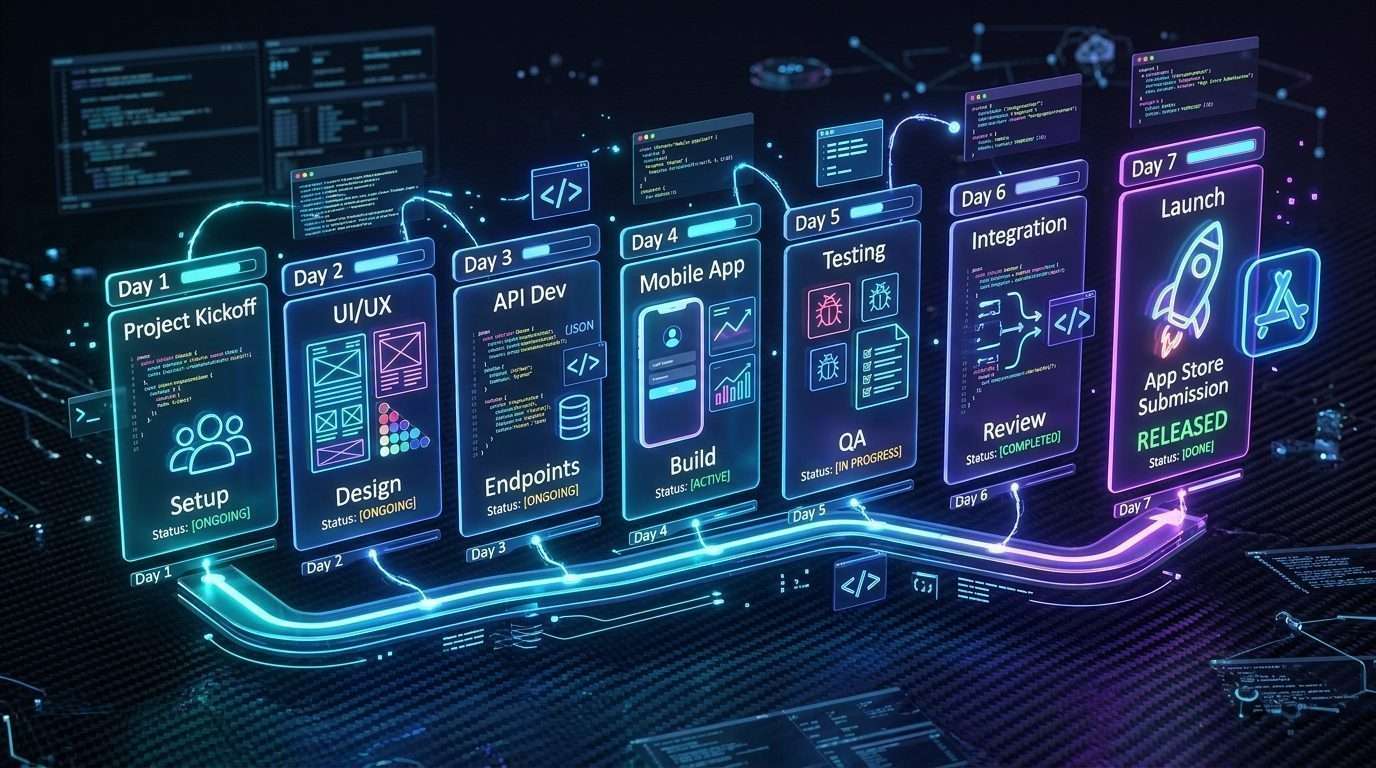
🚀 The 7-Day Velocity Sprint Map
Day 1: Schemas & Types ➔ Day 2: AI Pipelines ➔ Day 3: Native Core UI ➔ Day 4: Onboarding Quiz ➔ Day 5: Paywalls & SKUs ➔ Day 6: Edge-Case QA ➔ Day 7: Store Submission
The Vibe-Coding Rules of Engagement
Vibe-coding is the practice of pairing human architectural intent with agentic AI code engines (like Cursor, Claude 3.5 Sonnet, or Windsurf) to ship production-ready applications at 10x velocity. You act as the Chief Software Architect, defining data contracts, module boundaries, and user states, while the AI assistant writes the implementation boilerplate.
To vibe-code without generating unmaintainable spaghetti code, adhere to these Four Golden Rules:
1. Lock the Data Schema Before Writing UI
Define all TypeScript or Dart models and database entities in dedicated contract files before asking AI to generate visual components. When the data contract is locked, AI assistants produce 90% fewer bugs.
2. Enforce the 150-Line File Rule
No single code file may exceed 150 lines. Keep components, services, and state stores isolated to prevent context loss and hallucination errors during AI refactors.
3. Local-First Storage by Default
Store all user data locally using SQLite, Hive, or WatermelonDB. Zero external cloud database configuration is required for your v1.0 release.
4. Deterministic Error Boundaries
Wrap every async AI call and In-App Purchase in clean try/catch handlers with friendly user-facing snackbars and offline fallback mock data.
The 7-Day Sprint Daily Execution Protocol
🗓️ Day 1: State Contracts & Database Schema
- Write out the 3 primary data models (e.g.,
UserProfile,ActivityEntry). - Initialize local persistence (Hive / SQLite / AsyncStorage).
- Configure core brand tokens: Primary (
#4F46E5), Background (#0B0F19).
🗓️ Day 2: The Core “Magic” Engine & AI Pipeline
- Connect your AI inference endpoint (OpenAI, Claude, or Whisper API).
- Implement JSON-schema response parsing and token-streaming.
- Add offline fallback detection and mock data for UI testing.
🗓️ Day 3: Single-Screen Core Dashboard & Micro-Interactions
- Build the main capture screen (Camera viewfinder, Voice button, or Log).
- Implement 60FPS haptic feedback pops (
HapticFeedback.mediumImpact()). - Add smooth animated loading states and progress indicators.
🗓️ Day 4: Sunk-Cost Diagnostic Onboarding Funnel
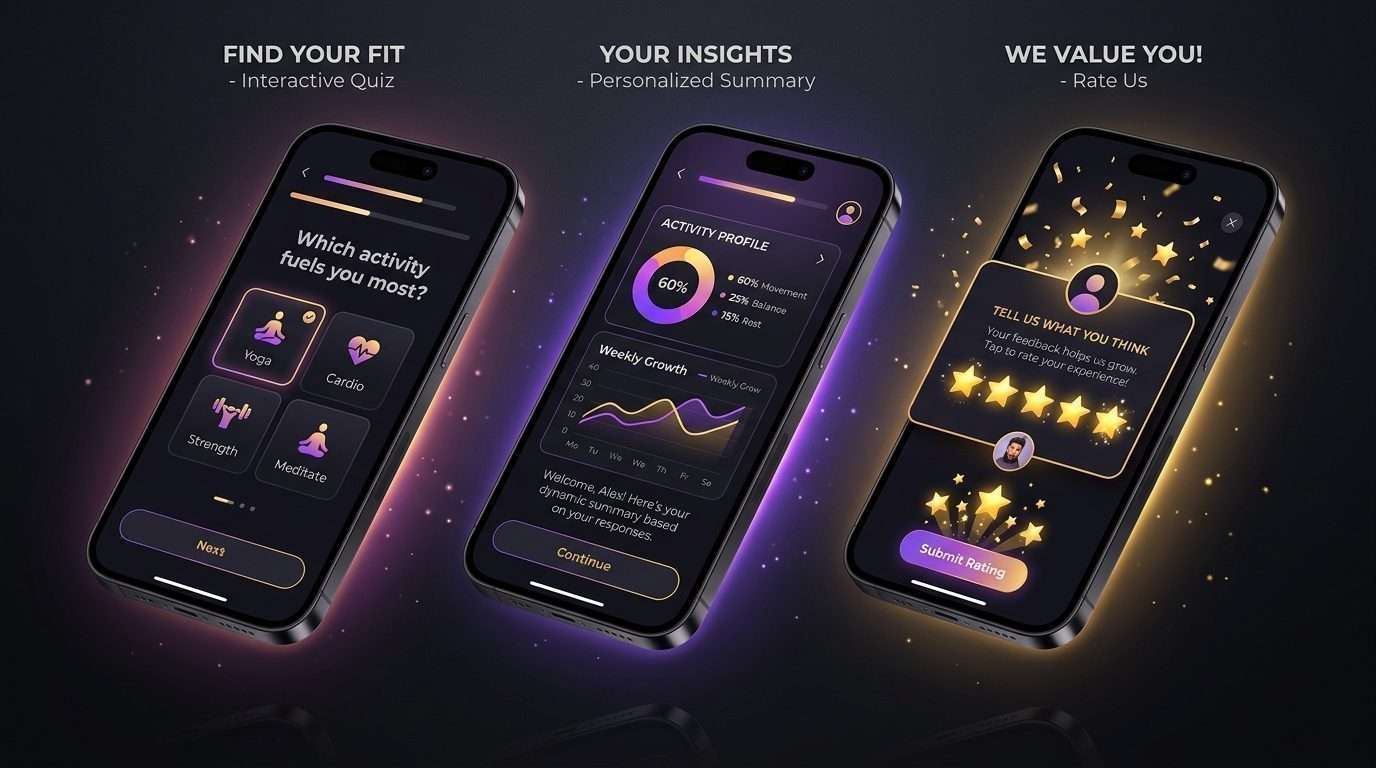
- Build the 5-step visual survey sequence with animated progress indicators.
- Compute dynamic user profile calculations based on survey inputs.
- Implement the contextual pre-prompt for push notification permissions.
🗓️ Day 5: Subscription Infrastructure & Remote Paywall
- Install RevenueCat or Superwall SDK.
- Configure Weekly ($6.99/wk) and Annual ($39.99/yr) in-app products.
- Implement the 3-day trial purchase flow, receipt validation, and restore flow.
🗓️ Day 6: Friction Testing & Real Hardware QA
- Deploy release build to physical iOS and Android test devices.
- Verify purchase restoration flow on test Sandbox accounts.
- Stress test offline mode, app backgrounding, and high-latency edge cases.
🗓️ Day 7: App Store Metadata, Screenshots & Submission
- Generate 5 high-contrast App Store screenshot cards.
- Write concise ASO keywords and clear App Reviewer test notes.
- Submit build to Apple TestFlight and App Review queue.
The “No-Bloat” Elimination Checklist
Before writing any code during your 7-day sprint, eliminate these four classic time sinks:
- 🚫 Custom Email Auth Trap: Amateurs waste weeks on passwords, email verification, and JWTs. ➔ The 7-Day Solution: Use frictionless Apple Sign-In or Guest Mode.
- 🚫 Complex Settings Menus: Amateurs build 10 theme pickers and nested sliders. ➔ The 7-Day Solution: Default to sleek dark mode with a single master notification toggle.
- 🚫 Internal Social Feeds: Amateurs engineer user graphs, comments, and like buttons. ➔ The 7-Day Solution: Use the native OS Share Sheet to export directly to TikTok and Instagram.
- 🚫 Custom Web Payments: Amateurs build web checkout redirects. ➔ The 7-Day Solution: Use native 1-tap In-App Purchases (StoreKit 2 / Google Play Billing) via RevenueCat.
💡 Pro Rule: If a feature does not directly contribute to delivering the core magic or triggering the paywall, it is strictly forbidden in the 7-day MVP.
For Better Reading Experience Buy Kindle Book
Viral App Playbook
Sanjeev Kumar
Founder & Lead Engineer at PrepNew. Building cross-platform Flutter applications, serverless AI backends, and full-stack Dart web architectures.